Highlight, comment, doodle.
Do it your way.
LeedPDF makes annotating feel natural—mouse, touch, or stylus. Free, lightweight, and private by design.
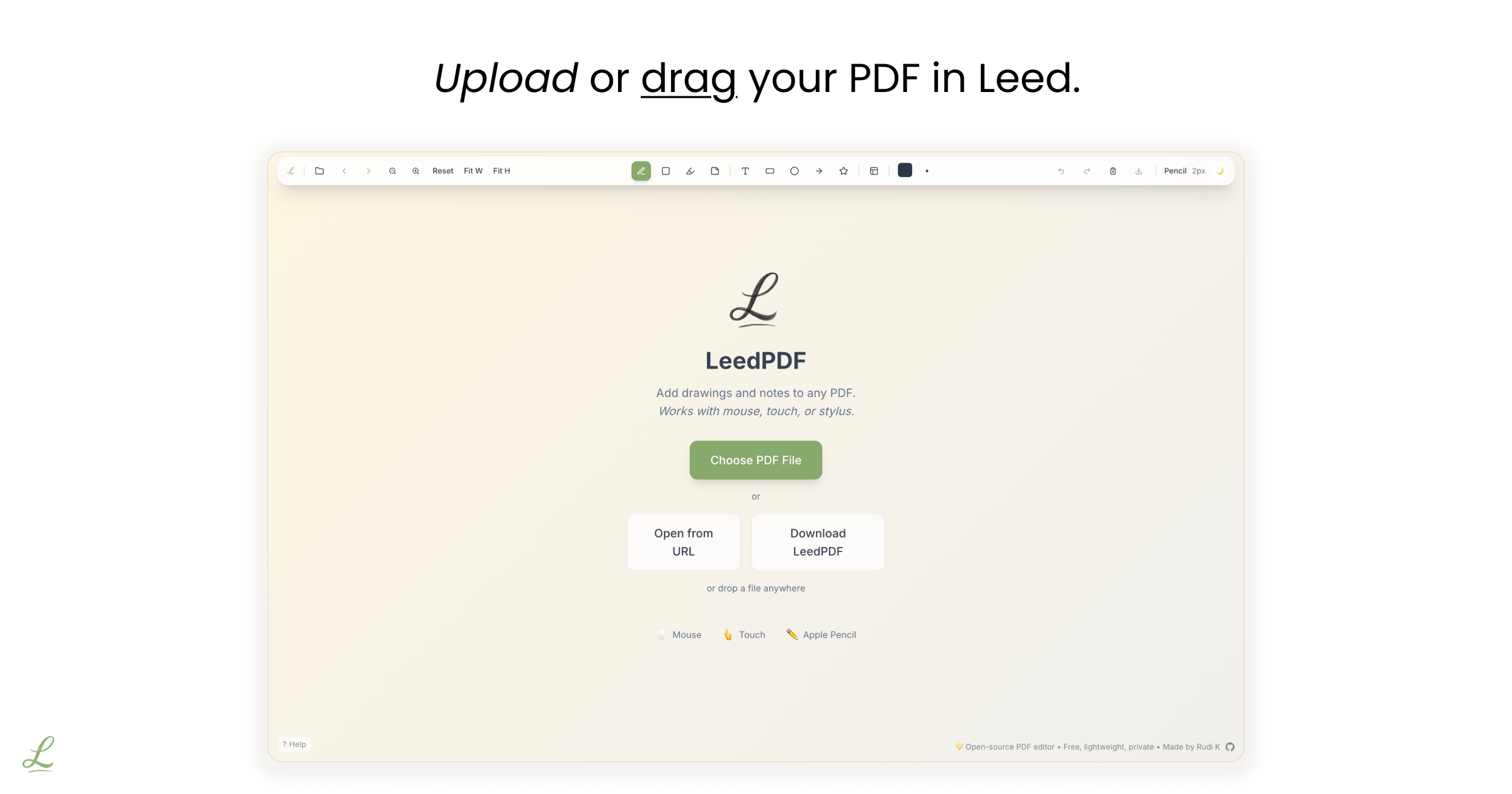
Every page, ready for your ideas.
- Highlight High-contrast highlights that never fight the text.
- Comment Comments and sticky notes, right where you need them.
- Doodle Circle, underline, or sketch ideas fast.
- Arrows Point things out with clean arrows.
- Text Add text in any font installed on your computer.
- Merge Combine several PDFs into one.
- Reorder Split and reorder pages locally.
- Rotate Rotate pages instantly with R and Shift+R.
- Convert Turn images into PDFs, or export pages as PNG and DOCX.
- Compress Shrink PDFs up to 80% without uploading them.
- Present Distraction-free fullscreen presentation mode.
- Share Share view-only links to your work.
Fast, private, and yours to keep.
- Fast Opens instantly, even with big files.
- Private Your files never leave your device.
- Lightweight Tiny download, light on memory.
- Open source AGPL-3.0, with every line of code on GitHub.
- Keyboard-first Shortcuts for everything you do often.
- Pen & touch Works just as well with a mouse, touch, or stylus.
ADHD-friendly, for everyone
LeedPDF keeps decisions simple, reduces visual noise, and feels calm. It's ADHD-friendly by design—but great for anyone who wants a focused, friction-free PDF editor.
Loved by students, teachers, and professionals
"As an elementary school teacher juggling dozens of worksheets and resources, this PDF app has been a real timesaver on our outdated Windows computers! It loads in seconds while our standard reader takes forever to start up. The search function has also proven surprisingly valuable - I can quickly find lots of content and reference documents."
Mr. YP Lam
Elementary School Teacher • Hong Kong
"Finally, a PDF editor that doesn't fight me! I can highlight research papers without crashes or weird formatting issues. The pressure sensitivity with my stylus feels natural."
Zara Okafor
Graduate Student • State University
"I grade hundreds of papers digitally, and LeedPDF makes it so much faster. The highlighting is clean, comments are easy to add, and it never slows down my workflow. Been using it for months now and it's become essential to my teaching."
Marcus Lindqvist
High School Teacher • Local High School
"As someone with ADHD, the clean interface and simple tools are a game-changer. No overwhelming toolbars or confusing modes—just what I need to focus. I've tried so many PDF apps and they're all cluttered with features I don't need."
Kai Nakamura
Software Developer • Small Tech Co
"I needed something lightweight that works offline for client meetings. LeedPDF loads instantly and never asks for accounts or subscriptions."
Ravi Bhandari
Independent Consultant • Self-employed
"Parfait pour annoter mes plans et documents techniques ! L'interface est intuitive et me permet de me concentrer sur mon travail. Et c'est gratuit, formidable pour les étudiants."
Lola Moret
Architecture Student • École d'Architecture

Annotating PDFs felt harder than it should.
Hi, I'm Rudi. I wanted a PDF editor that felt like jotting in the margins of a notebook—quick, calm, and private. So I made LeedPDF and released it open-source.
If it helps you think a little clearer, that's a win.
LeedPDF vs other PDF tools
We believe in being honest about what we're great at—and what we're not.
| Feature | LeedPDF | Adobe Acrobat | Xodo | PDFelement | Drawboard | PDF Expert |
|---|---|---|---|---|---|---|
| Pricing (Annual) | Free | $240 | $120-180 | $80-160 | $100 | $80 |
| Free Tier Quality | Full features | Limited reader | 1 action/day | Watermarks | No free tier | Basic only |
| Privacy (No Upload) | ✓ | ✗ | ✗ | ✗ | ✗ | ✗ |
| Open Source | ✓ | ✗ | ✗ | ✗ | ✗ | ✗ |
| Cross-Platform | ✓ | ✓ | ✓ | ✓ | Windows only | Mac/iOS only |
| Works Offline | ✓ | ✓ | Desktop only | ✓ | ✓ | ✓ |
| Local Compression (No Uploads) | ✓ | ✗ | ✗ | ✗ | ✗ | ✗ |
| Local PDF Reordering (No Uploads) | ✓ | ✗ | ✗ | ✗ | ✗ | ✗ |
| Browser Presentation Mode | ✓ | ✗ | ✗ | ✗ | ✗ | ✗ |
| Conversion (Docx, PNG, Image-to-PDF) | ✓ | Paid only | Daily limit | Paid only | Paid only | Paid only |
| PDF Page Rotation | ✓ | ✓ | ✓ | ✓ | ✓ | ✓ |
| Easy PDF Sharing | ✓ | Cloud only | Cloud only | Cloud only | Cloud only | Cloud only |
| No Account Required | ✓ | ✗ | ✗ | ✗ | ✗ | ✗ |
| Freehand Drawing | ✓ | ✓ | ✓ | ✓ | ✓ | ✓ |
| Shape Tools | ✓ | ✓ | ✓ | ✓ | ✓ | ✓ |
| Text Annotation | ✓ | ✓ | ✓ | ✓ | ✓ | ✓ |
| Custom Typography & Fonts | ✓ | ✓ | Limited | ✓ | ✓ | ✓ |
| Sticky Notes | ✓ | ✓ | ✓ | ✓ | ✓ | ✓ |
| Pressure Sensitivity | ✓ | ✓ | ✓ | ✗ | ✓ | ✓ |
| WCAG AAA Compliance | ✓ | ✗ | ✗ | ✗ | ✗ | ✗ |
Honest take: LeedPDF focuses on core PDF annotation with privacy and simplicity in mind. For complex document workflows with OCR, forms, or digital signatures, enterprise tools might be better suited.
Start in seconds
Use it in your browser or download the app for Windows, Mac, and iPad.